Video Conferencing Equipment: What Actually Improves Call Quality
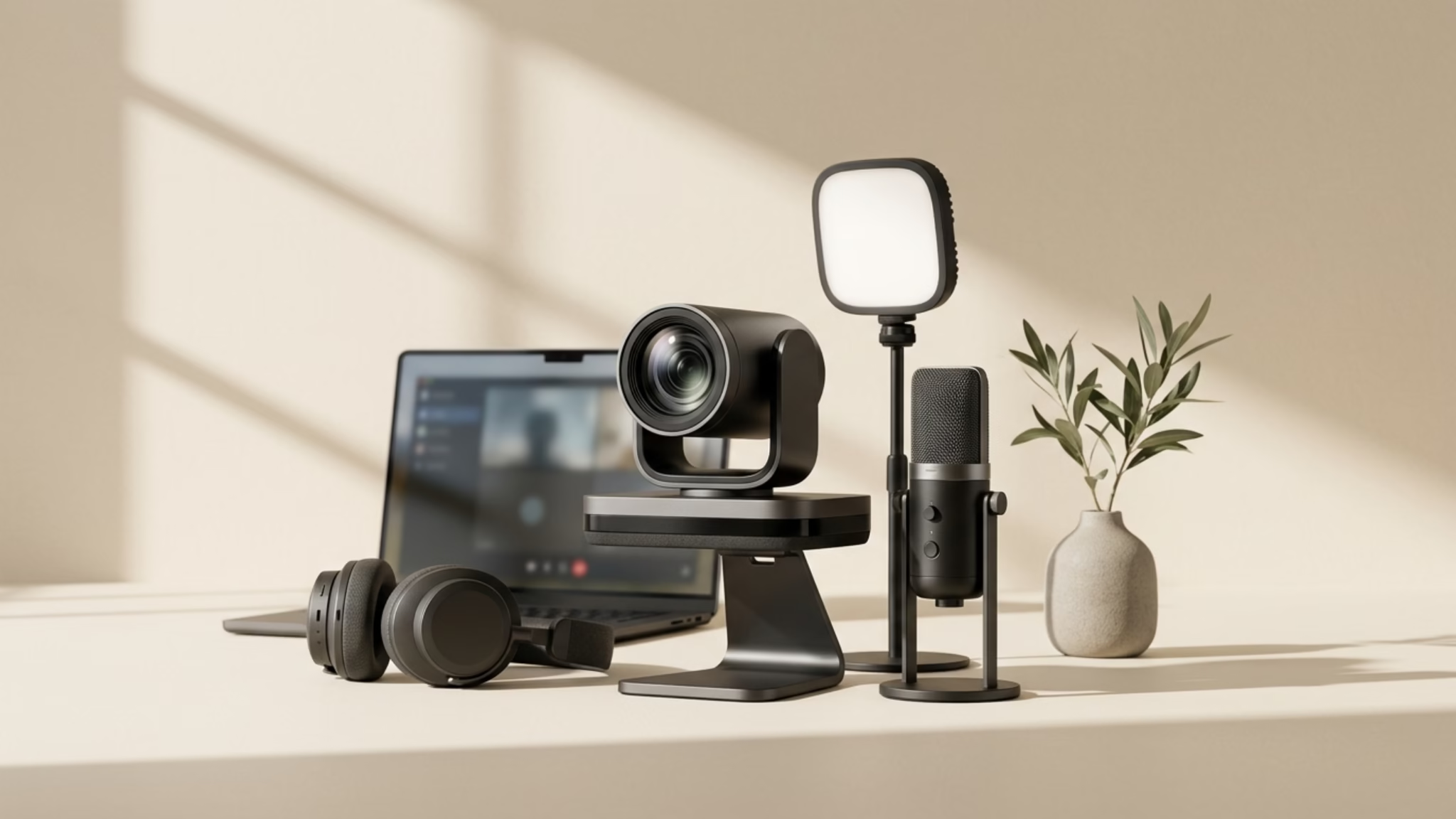
Video conferencing equipment gets ranked backwards more often than not, with people upgrading camera resolution first when lighting and audio actually explain most of what makes a call look and sound professional. A sharper camera pointed at a dim, cluttered room still looks worse than a modest webcam with good light in front of a clean background. This breakdown ranks video conferencing equipment by actual impact on call quality, not by what looks impressive on a spec sheet. Getting this order right before spending money is the whole point of thinking about video conferencing equipment this way in the first place.
- Biggest impact: lighting, specifically soft, front facing light, not the camera itself.
- Second biggest: audio quality, since a bad microphone is noticed faster than a soft image.
- Smaller than expected: camera resolution, once a basic HD threshold is already met.
- Often ignored entirely: background and bandwidth, both of which shape perceived professionalism.
What Video Conferencing Equipment Actually Moves The Needle?
Video conferencing equipment only improves a call if it fixes something a viewer actually notices, and most viewers notice lighting and audio problems long before they notice camera resolution. A $50 light pointed correctly outperforms a $500 camera in a dark room every time.
Background Matters More Than People Assume
A clean, intentional background changes how a call reads before a single word is spoken, since a cluttered or distracting background pulls attention away from whatever is actually being said.
Mastermind CC’s rent gear catalog lists day rate pricing on lighting, backdrops, and audio gear side by side, which makes it easy to see how little the camera itself costs relative to everything else that actually shapes call quality.
Mastermind CC’s studio and gear rentals service prioritizes lighting and audio setup before camera choice for exactly this reason, since fixing those two factors first solves most quality complaints on their own.
Video Conference Equipment Or Just A Better Setup: What Matters More?
Video conference equipment purchases only help if the setup around them is actually correct, since even good gear placed badly produces a worse result than modest gear placed well. Camera height, light direction, and microphone distance all matter more than most buyers expect before spending on new hardware.
Setup Fixes That Cost Nothing
Mastermind CC walks new clients through setup before recommending new video conference equipment, and the full range of Mastermind CC’s services reflects how much of call quality comes down to configuration rather than a bigger budget.
Mastermind CC’s background as a gear access company shapes this advice directly, since renting the right piece for a specific problem beats buying an expensive bundle that solves problems a client never actually had.
Real project work reinforces the same lesson. Mastermind CC’s project archive and its DevFest Lagos coverage both required fast, correct video conference equipment setups under time pressure, proof that configuration speed matters as much as the gear list itself.
Live events push this hardest. Mastermind CC’s events and live production service sets up conferencing and streaming equipment correctly under real time constraints, since there is no second take once a live segment starts.
Lighting: The Most Underrated Piece Of Video Conferencing Equipment
Lighting affects perceived video quality more than any other single factor, including the camera itself, since a well lit face on a modest camera reads as more professional than a poorly lit face on an expensive one. Soft, even, front facing light removes harsh shadows that make even good cameras look worse than they are. Of every category of video conferencing equipment covered here, lighting delivers the most visible improvement per dollar spent.
Video Conferencing Factors Ranked By Actual Impact
| Factor | Impact On Perceived Quality | Typical Cost To Fix |
| Lighting | Highest | Low |
| Audio and microphone | High | Low to moderate |
| Background and framing | Moderate | Low |
| Camera resolution | Lower than assumed | Moderate to high |
| Bandwidth and connection | Invisible until it fails | Varies by provider |
Camera resolution follows a clear diminishing returns curve once a basic 1080p threshold is met. Jumping from a cheap 720p webcam to a decent 1080p one produces a real, visible improvement. Jumping from a good 1080p camera to a 4K one, while lighting and audio remain unfixed, produces almost no visible improvement for most viewers on a typical call, since compression and screen size flatten most of that extra detail out before it ever reaches the other end.
Studio Equipment Microphone: Why Audio Beats Camera Resolution
A studio equipment microphone, even a modest one, usually improves perceived call quality more than a camera upgrade, since viewers tolerate soft video far better than they tolerate distorted or echoey audio. Built in laptop microphones pick up room echo and background noise that a dedicated microphone avoids almost entirely.
- USB microphones: simplest upgrade, plug in and use, no interface required.
- Headset microphones: closest proximity to the mouth, most consistent in noisy rooms.
- XLR setups: best quality ceiling, but require an audio interface or console to use.
Video Conferencing Equipment Brands Worth Knowing
A short list of video conferencing equipment brands covers most reliable setups, and sticking to certified hardware avoids the compatibility issues that cause choppy or dropped calls. Mixing uncertified brands across camera, microphone, and speaker is a common, avoidable cause of call quality complaints.
Microsoft’s own certification program tests devices against specific, measurable criteria, including noise, color, image detail, jitter, latency, frame rate, and field of view, before a product earns certification, which is a far more rigorous bar than a marketing claim.
Zoom’s own recommended hardware list and Logitech’s certification documentation both show how deep this testing goes: specific camera, controller, and room compute combinations, not just any device carrying a matching logo.
Bandwidth: The Video Equipment Factor Nobody Sees Until It Fails
Bandwidth is the piece of video equipment nobody thinks about until a call starts freezing, and by then the problem is usually already visible to everyone on the call. A strong camera and microphone cannot compensate for a connection that cannot keep up, no matter how much was spent on video conferencing equipment elsewhere in the setup.
The FCC’s own broadband speed guide lists a minimum of roughly 6 Mbps download speed for HD video teleconferencing specifically, a useful baseline for diagnosing whether a quality problem is actually a connection problem rather than a hardware one.
Home office setups deserve the same basic care as a studio rig. Federal workplace equipment guidance calls for equipment to be installed and secured in a stable, workmanlike manner, a reasonable standard for cable management around a conferencing setup even outside a formal workplace.
Beyond The Desk: Video Blogging Equipment, UGC Video Equipment, And Shooting Kits
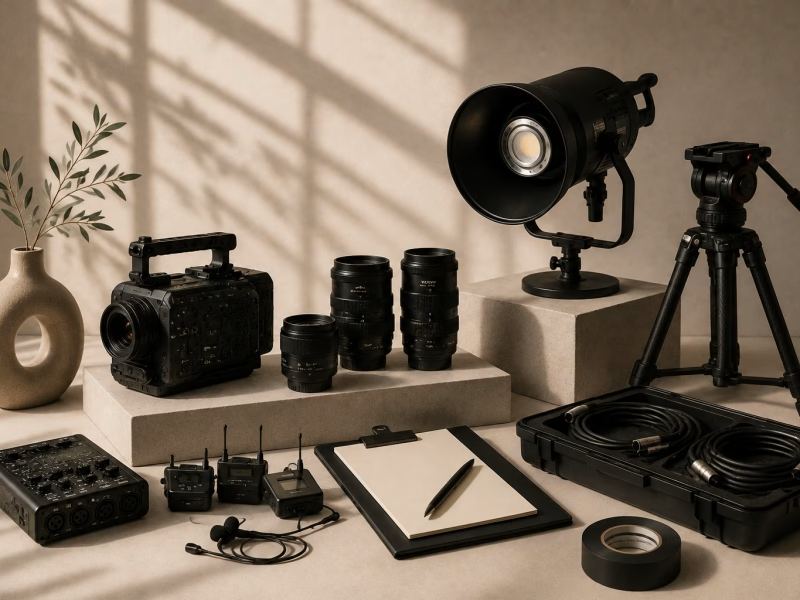
Video blogging equipment and ugc video equipment overlap heavily with conferencing gear, since both prioritize a small, portable setup over a large studio rig. A video shooting equipment kit built for content creation often doubles as a perfectly capable conferencing setup with minor adjustments.
The main difference is framing intent. Video blogging equipment usually assumes a moving subject and a portable rig, while ugc video equipment leans toward fast setup and teardown for short form content. A video shooting equipment kit built for either use case still applies the same lighting and audio priorities covered above, just in a smaller, more mobile form factor.
Finding Video Production Near Me For A Proper Setup
A video production near me search is often the fastest way to get a conferencing setup evaluated by someone who does this daily, rather than guessing at what to buy first. A short consultation can catch a lighting or placement issue that no equipment purchase would have fixed on its own.
The Bottom Line
As of 2026, video conferencing equipment improves call quality in a specific, predictable order: lighting first, audio second, background and framing third, camera resolution and bandwidth after that. Fix the cheap, high impact factors before spending on the expensive, lower impact ones, and most call quality complaints resolve without a major video conferencing equipment purchase at all.
Video Conferencing Equipment: Quick Answers
Should I upgrade my camera or my lighting first?
Lighting first, almost every time, since it is the single highest impact piece of video conferencing equipment for the money. A better light fixes more visible problems per dollar than a better camera does.
Do I need an expensive microphone for video calls?
No, a modest dedicated microphone still outperforms a built in laptop mic by a wide margin. Expensive audio gear matters more for production work than for standard video calls.
Can a bad internet connection ruin good equipment?
Yes, insufficient bandwidth causes freezing and dropped frames regardless of how good the camera and microphone are. Check connection speed before assuming a hardware upgrade will fix a quality problem.